AR/VR Development &
Interactive 3D Experiences
Immersive technology
with a clear purpose
Augmented reality
planned around the user
Augmented Reality Development
Bring digital information into the real world with experiences planned around the device, environment and user journey. Users may preview a product in a space, explore contextual information or follow interactive instructions.
AR Product Experiences That Put Items in Context
Let customers get a better sense of size, appearance or placement by viewing a digital product in their surroundings, where supported by the device and platform.
Interactive AR/VR Experiences for Real Business Use Cases
We help plan the user journey, visual content, controls and technical format—defining the experience before deciding how much immersion it needs.
Bring More Product Context into Online Shopping
3D product views and compatible AR previews planned around your catalogue and product pages, keeping essential product information, accessibility and checkout straightforward.
Virtual environments for
practice, exploration and demonstration
Virtual Reality Development
Create virtual environments for training, product demonstrations, guided experiences or a specific operational scenario. The right approach depends on the users, equipment and interaction required.
Metaverse Development for Shared Digital Spaces
For persistent or shared 3D environments: define the audience, access method, moderation needs and the interactions that make the space useful.
VR Training & Simulation
Give learners a structured space to practise a process or scenario, with the learning objective, feedback and interaction flow defined first.
Virtual Experiences People Can Explore
Help people explore a product, venue, concept or environment before visiting or deciding—in a browser, on mobile or through compatible hardware.
Virtual Tours for Properties, Venues and Spaces
Panoramic views, navigation points, captions and location details—from a guided walkthrough to a customized 3D environment.
Virtual Showroom Development
Present products in context with interactive information and a curated route, based on your range, content and likely devices.
Immersive Brand Experiences
Campaign, launch, exhibition or event experiences that combine 3D scenes, guided storytelling and a clear next step.
UI/UX Design for Immersive Applications
Plan how people enter, understand, move through and exit an experience, with accessibility and comfort considered throughout.
Interactive 3D on your
website or web application
Interactive 3D Web Experiences
Rotate an object, inspect features, compare options or explore a visual explanation without leaving the page—designed to support the content, not distract from it.
Interactive 3D Applications
Let users inspect components, compare configurations, explore spatial layouts or follow guided interactions, based on the task the application supports.
3D Product Visualization
A more detailed way to understand shape, components, finishes or product options for product pages, presentations and digital catalogues.
Web-Based 3D Without a Separate App
When broad access matters, a browser-based experience may fit. Browser support varies, so we check it before committing to this approach.
Test it, connect it,
make it respond
Test the Experience Before Scaling the Build
A prototype can validate the interaction, content, device needs and technical risks, clarifying what to develop next and what can be simplified.
Connect Immersive Experiences to Existing Systems
Product details from a catalogue, content from a CMS, user data from an application or analytics events. We identify dependencies early and define the integration approach.
Interactive Systems That Respond to the User
Experiences can react to selections, progress or defined events: update content, guide the next step, record completion or pass information to another system.
Start with the experience
you need to create
Help customers inspect a product
3D product views, compatible AR previews and virtual showrooms.
Help people explore a place
Virtual tours and navigable digital spaces.
Help teams practise a process
VR training and simulation, where suitable.
Test a new digital concept
Emerging-technology prototypes and technical feasibility reviews.
From interactive products
to immersive spaces
AR product preview
See a product in a real-world setting on a compatible device.
VR training environment
Practise a defined scenario in a simulated space.
3D product viewer
Rotate, inspect and explore product details.
Virtual showroom
Explore selectable products with concise side-panel information.
Virtual tour
Navigate a property, venue or facility with contextual points.
Web-based 3D module
Interact with a model through a compatible browser.
Training simulation
Follow guided steps through a task with a completion review.
Immersive prototype
Validate an interaction before a larger investment.
Designed for the devices
your audience actually uses
Phones and tablets
For compatible AR and touch-based 3D interactions.
Desktop and mobile browsers
For browser-based 3D, subject to performance and API support.
VR/MR headsets
For applications built and tested for the specified hardware.
Kiosks and large displays
For guided public, exhibition or in-store experiences where scoped.
From the first concept
to a tested experience
Discovery & feasibility
Experience plan
Design & assets
Development
Device testing
Launch & improvement
The technology follows
the experience
Immersive engines
Selected based on target hardware, interaction and distribution requirements.
Web-based 3D
Loading performance, browser compatibility, controls and fallback media.
AR frameworks
Operating-system permissions, device support and tracking requirements.
3D assets
Model source, format, visual fidelity, optimization and rights to use.
Where immersive experiences
can be useful
Retail & e-commerce
Real estate & architecture
Education & training
Manufacturing & product teams
Events, venues & tourism
See the thinking behind
the experience
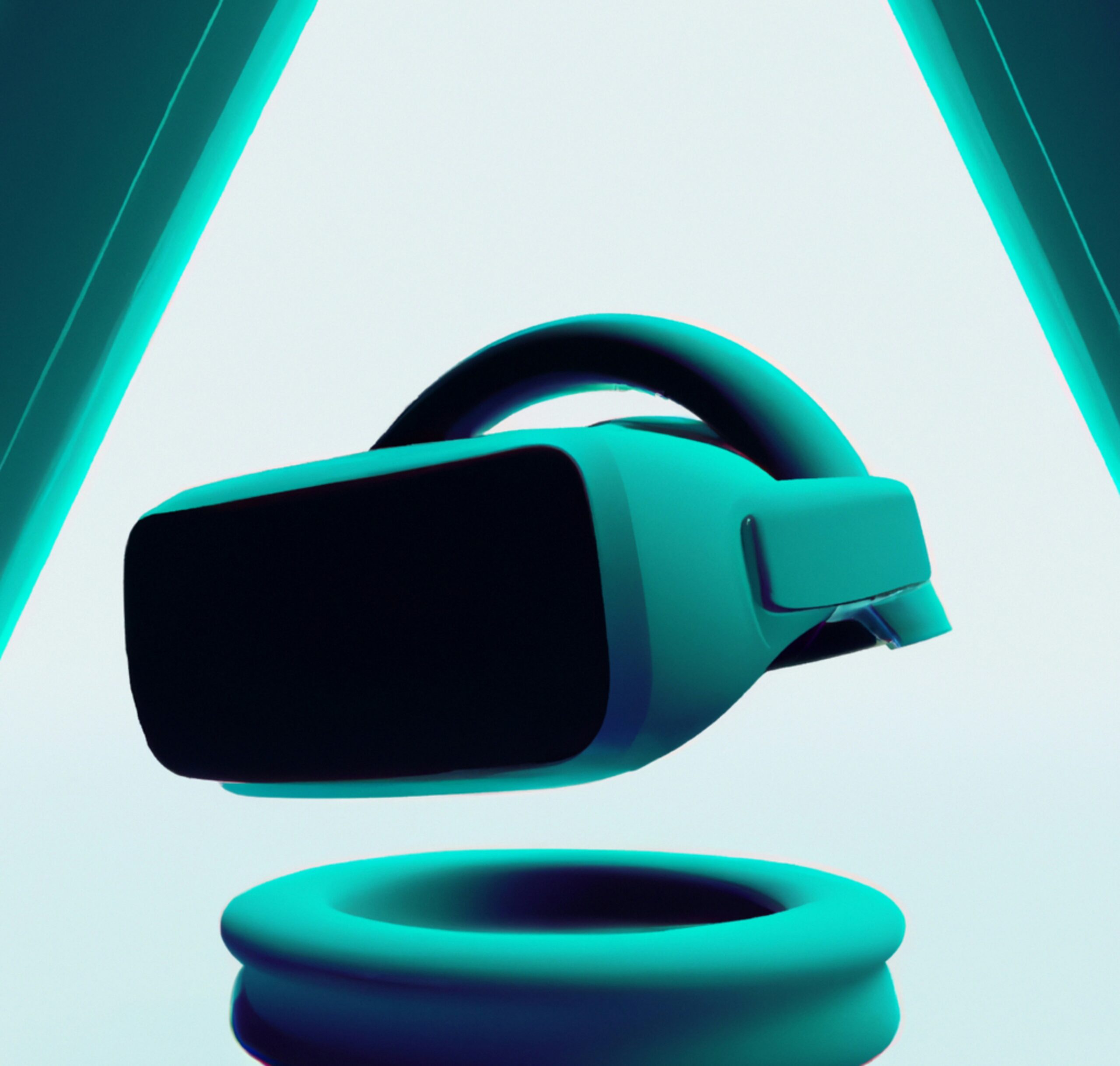
AR product preview
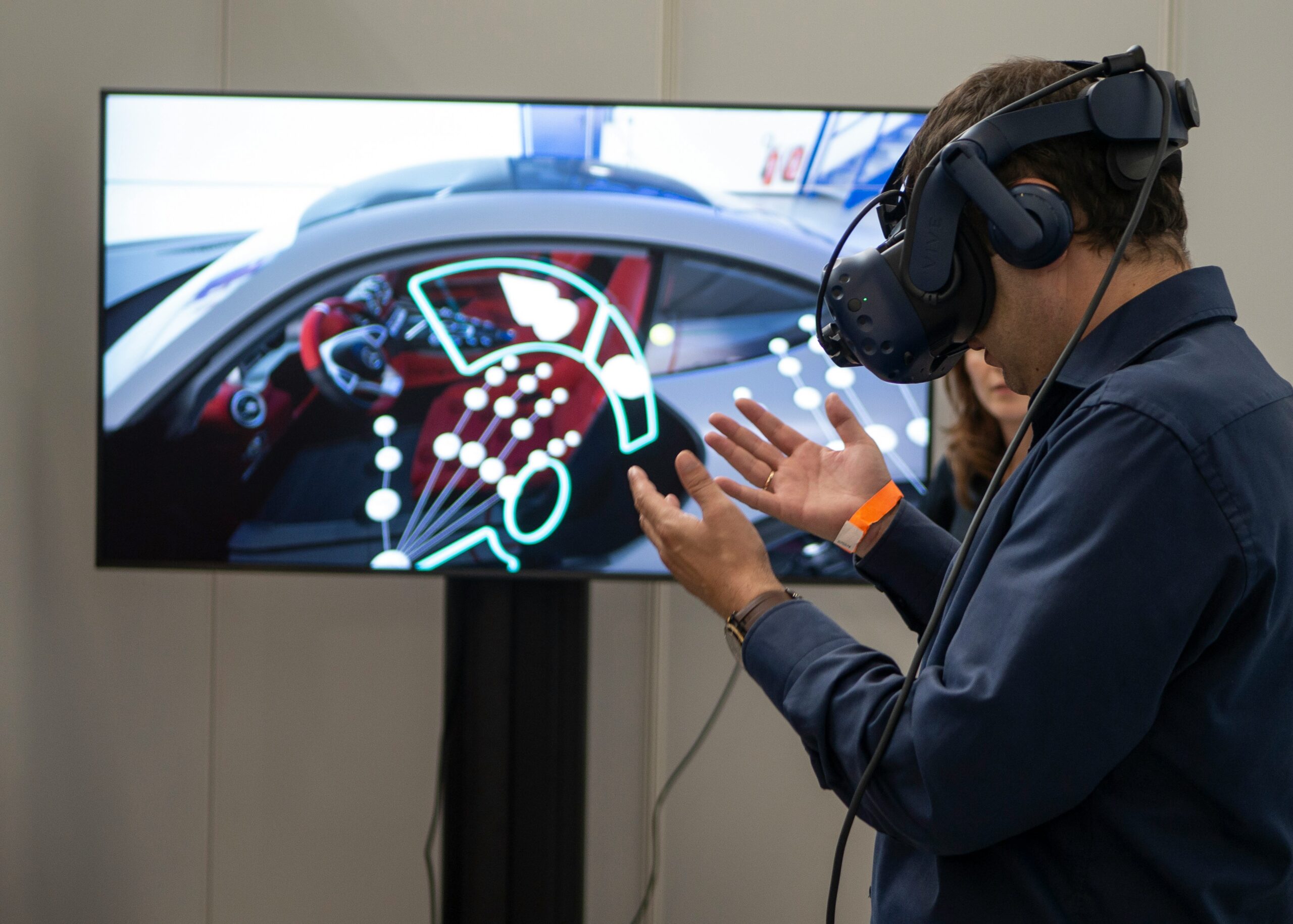
Virtual showroom
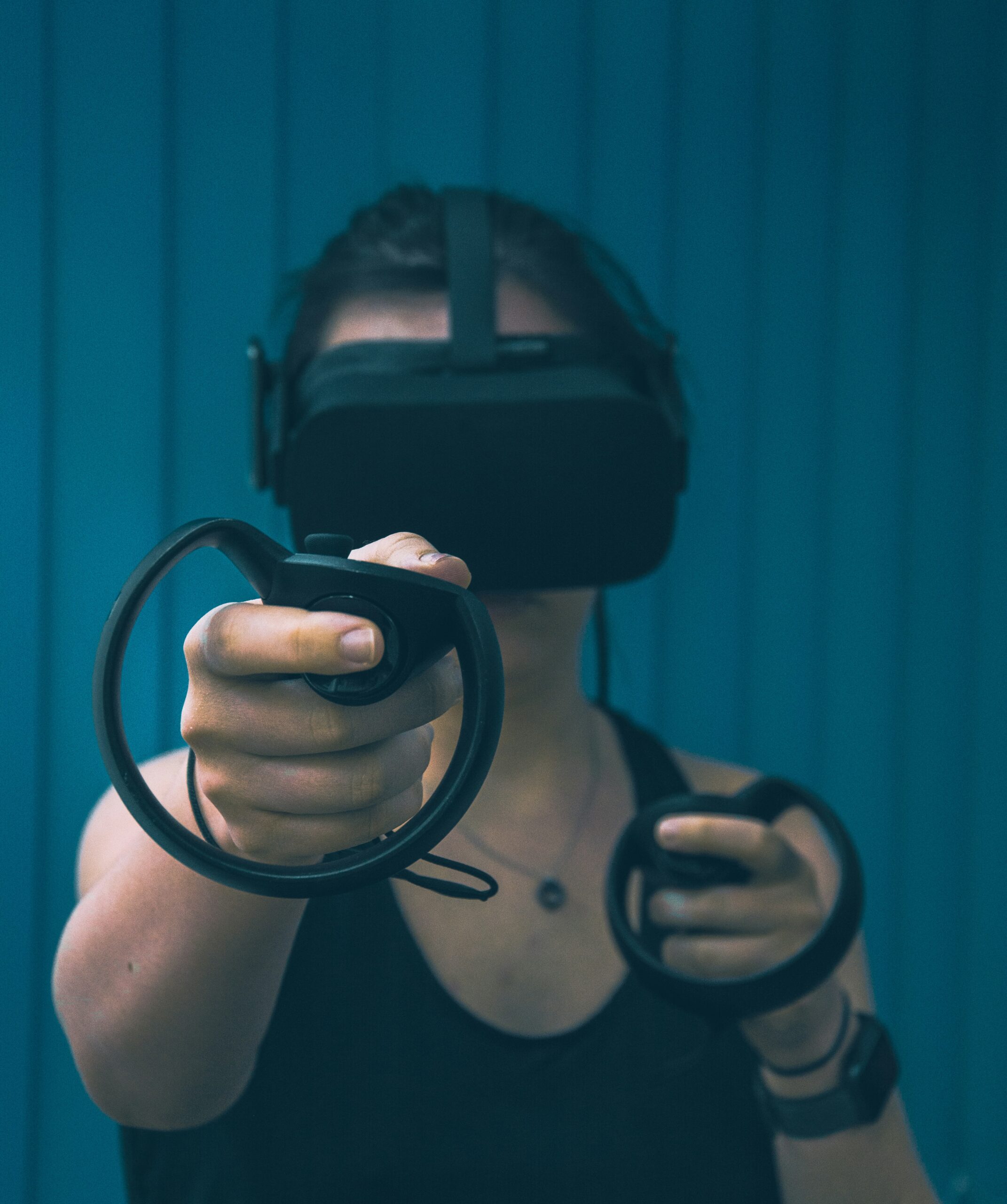
VR training scenario
Immersive technology that works with
the rest of your digital business
Purpose-first planning
Connected delivery
Practical testing
Long-term thinking
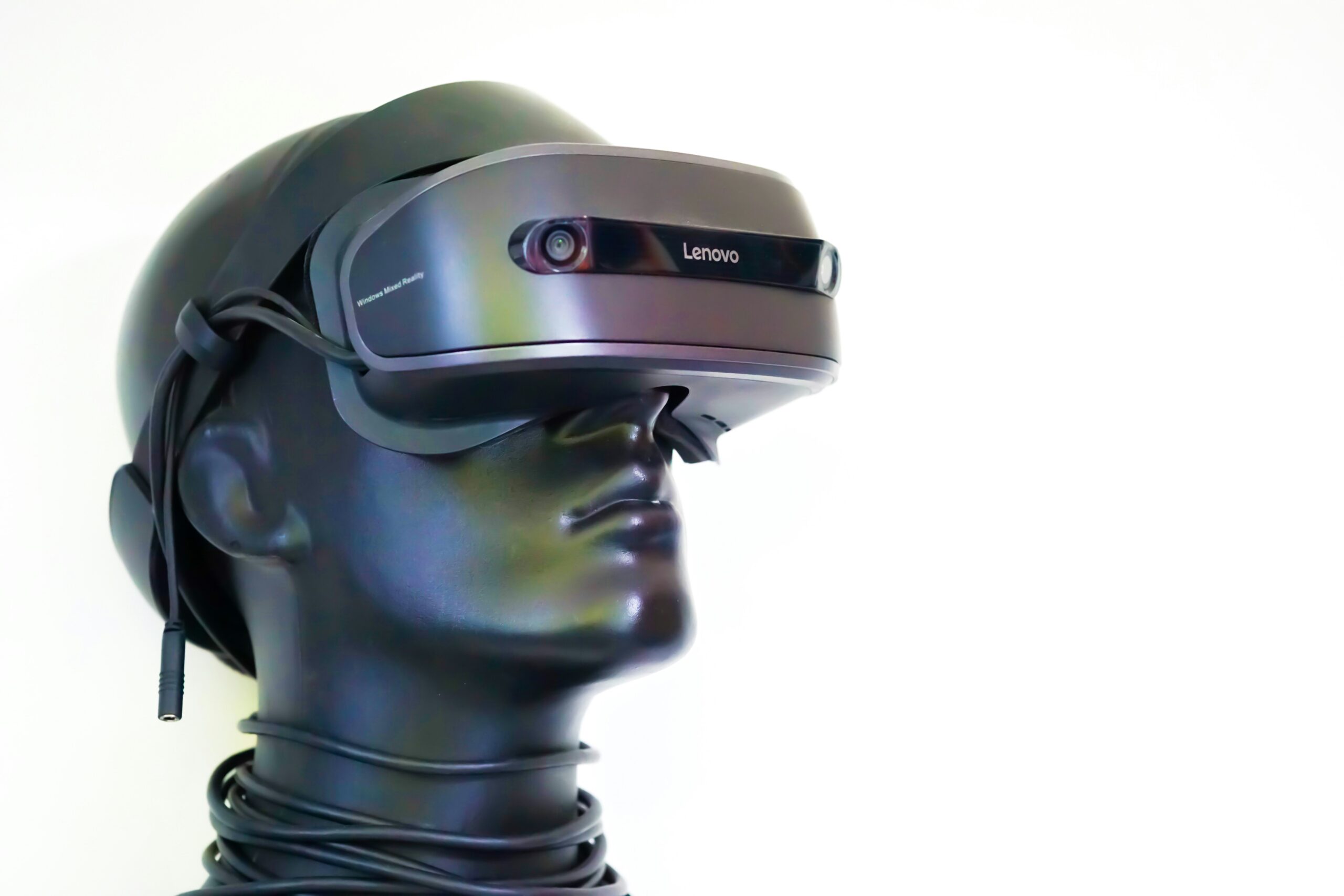
Keep the experience useful after launch
- Bug fixes
- Asset and content changes
- Compatibility checks
- Performance reviews
- Integration maintenance
- New features
Questions about AR, VR
and 3D development
What is the difference between AR and VR?
Augmented reality adds digital content to a view of the real world, while virtual reality places a user inside a simulated environment. The appropriate format depends on the task, target device and level of immersion needed.
Can an AR/VR experience work without a headset?
Yes, some experiences can be designed for mobile devices or standard browsers. Other experiences require compatible immersive hardware. Device requirements should be agreed and tested during project planning.
Can you build 3D experiences for a website?
A browser-based 3D experience may let users rotate products, explore an environment or interact with selected content directly on a website. The feasible features depend on the target browsers, devices, assets and performance requirements.
How much does AR/VR development cost?
Cost depends on the experience type, number of interactions, 3D asset complexity, platforms, integrations, testing requirements and ongoing support. IQC estimates the project after clarifying the use case and technical scope.
How long does an AR/VR project take?
Timelines depend on the experience complexity, asset readiness, supported devices, integrations and the approval process. A small prototype and a multi-device production application should not be treated as the same scope.
Do we need to provide the 3D models?
Not necessarily, but the source and quality of assets affect scope. The project should establish whether suitable models already exist, whether they need optimization, or whether new modelling or capture work must be arranged.
Can an immersive experience connect to our website or e-commerce store?
It may be possible to connect the experience with product data, a content system, analytics or existing software. The available integrations depend on the platforms and APIs, which are checked during discovery.
Will it work on every phone or browser?
No single implementation should be assumed to work on every device. Compatibility depends on features, operating systems, browsers, performance and hardware. The target device list should be agreed and tested, with a fallback where practical.
Can you start with a prototype?
A prototype can test a key interaction, assess technical feasibility or help stakeholders evaluate the experience before committing to a full production build. Its limitations and next steps should be documented.
Do you maintain AR/VR experiences after launch?
Ongoing maintenance can be arranged according to the agreed scope. It may include bug fixes, compatibility reviews, asset updates and integration changes. Support coverage and response expectations are confirmed in the proposal.