UI/UX & Product
Design Services
Design that connects user needs
with business goals
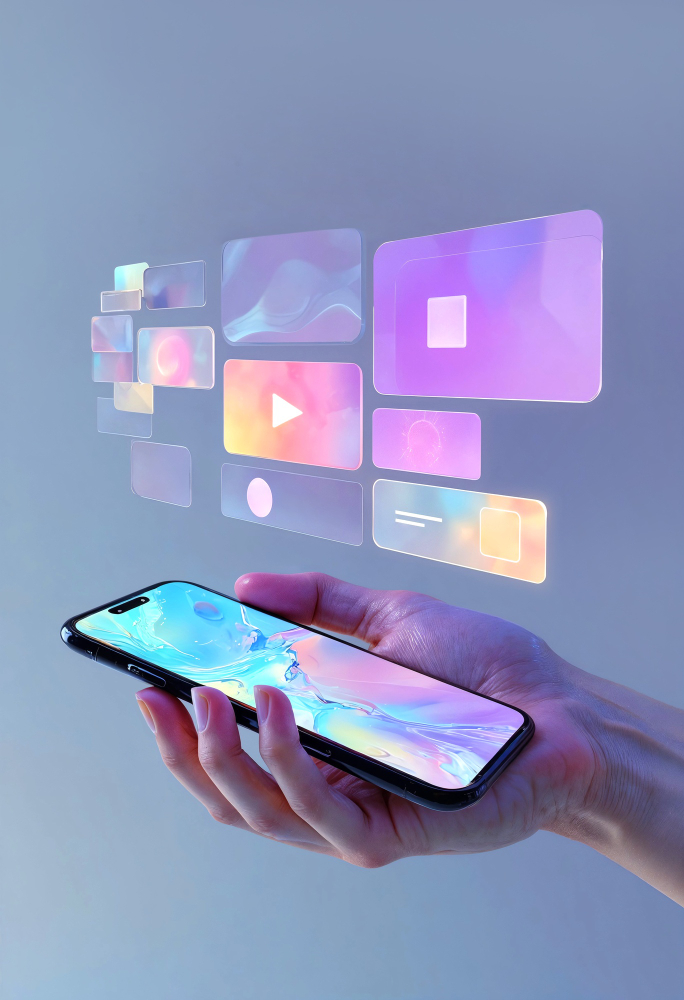
UI design that makes digital products easier to use
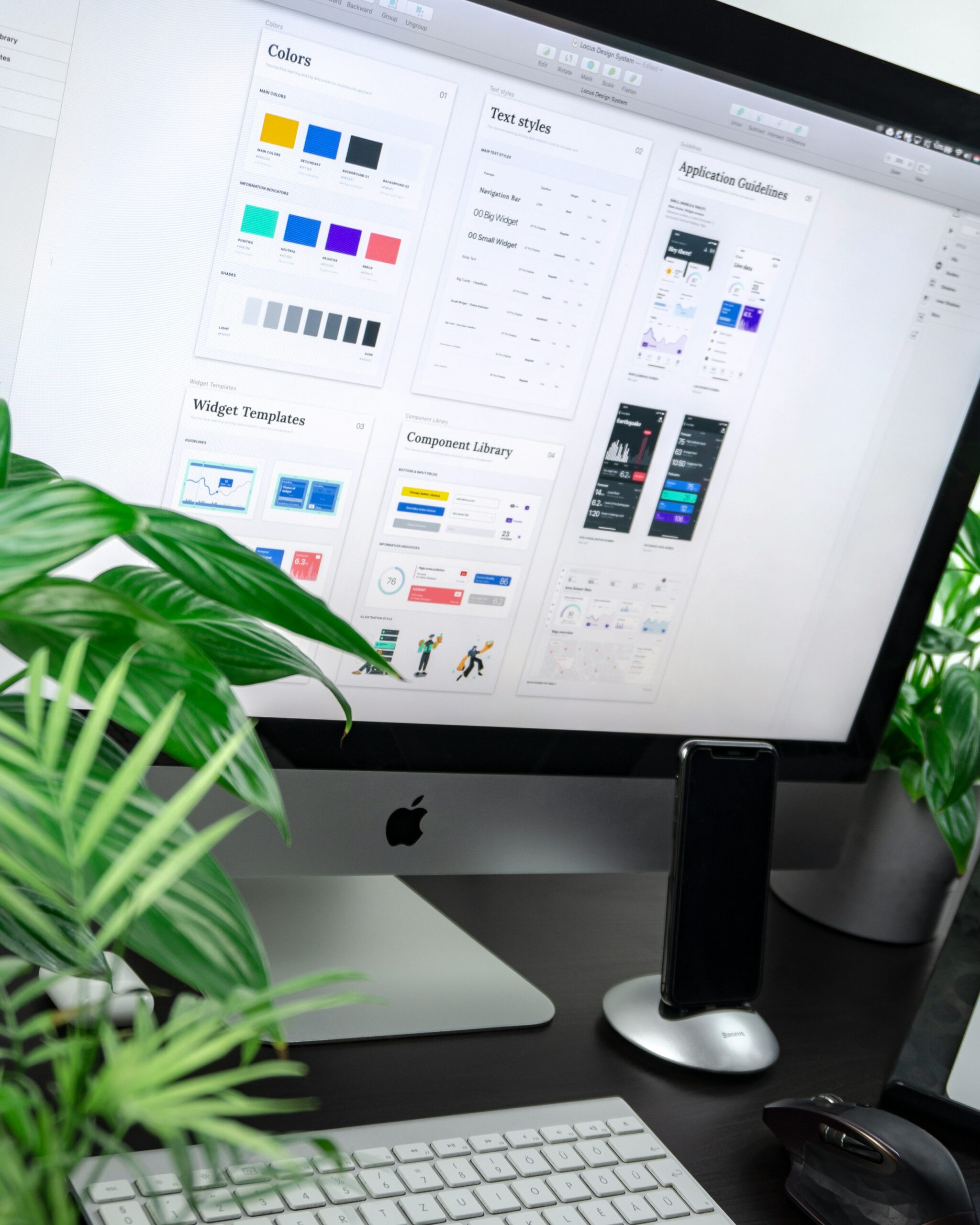
- Page and screen layouts with consistent spacing and hierarchy
- Buttons, forms, menus, cards, tables and reusable components
- Responsive states for supported screen sizes
- States for loading, errors, empty results, success and disabled controls
- Design specifications and assets for development where included in scope
Make the next step clear for every user
- Reviewing goals, audiences and important tasks
- Mapping journeys and identifying friction points
- Structuring navigation and information
- Designing helpful forms, onboarding and task completion flows
- Testing concepts with stakeholders or users when research is in scope
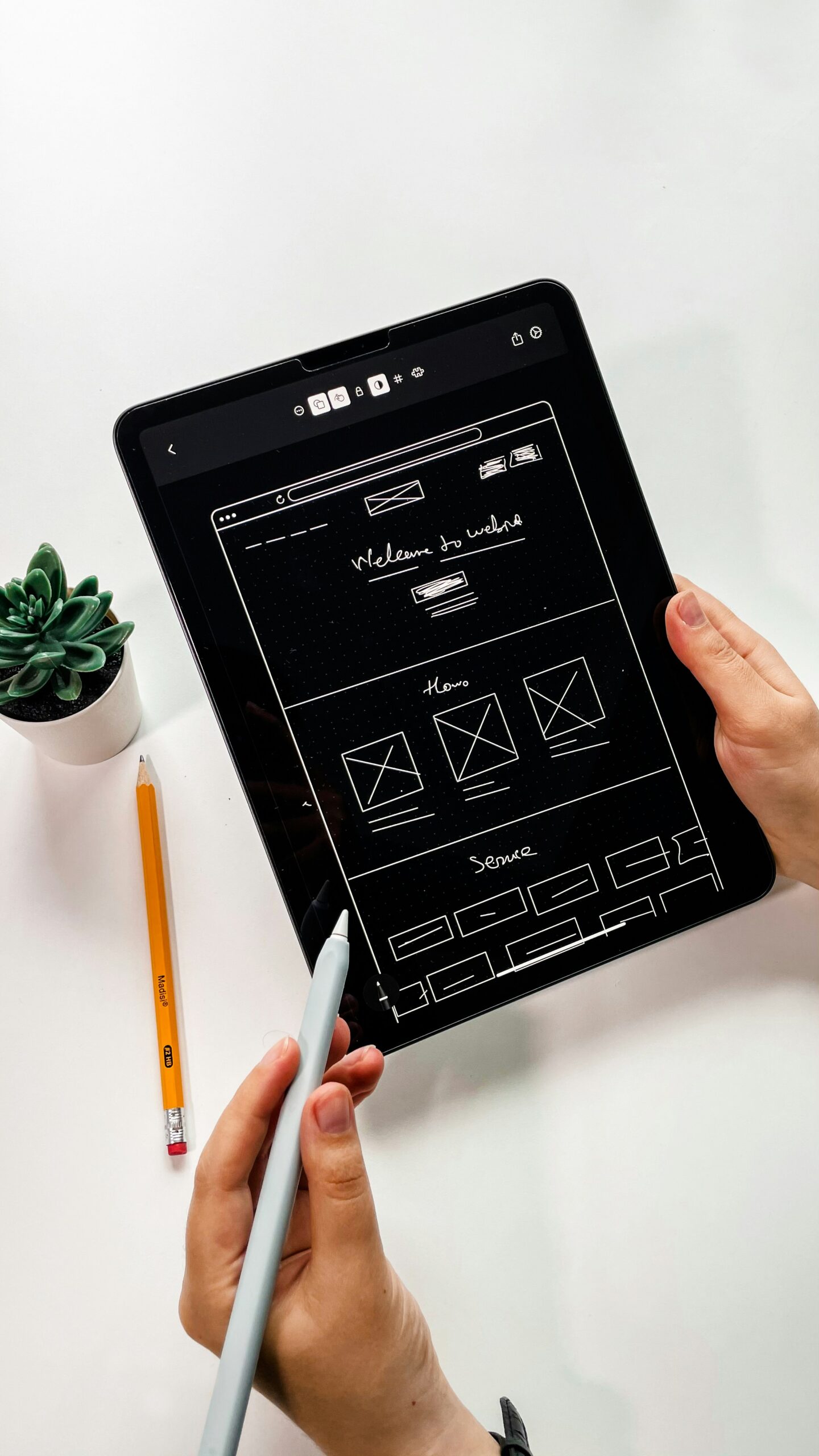
Website experiences built around real visitor needs
- Sitemap and page hierarchy
- Homepage, service pages, landing pages and key content templates
- Navigation, search, forms and responsive layouts
- Visual direction and reusable page patterns
- Handoff to the web development team
Mobile app experiences designed for the way people use their phones
- Screen inventory and user flows
- Low- and high-fidelity wireframes
- iOS and Android interface patterns appropriate to project requirements
- Clickable prototypes and developer-ready specifications
- Responsive or adaptive layouts where relevant

Design SaaS products people can understand and use
- Product discovery and user roles
- Onboarding and first-use experience
- Core workflows, dashboards and settings
- Reusable patterns for forms, tables, filters and permissions
- Prototypes to align stakeholders before development
Understand the problem,
then shape the solution
UX Research
Understand the problem before choosing the interface. Stakeholder workshops, review of analytics and feedback, audience and task definition, competitor review.
Information Architecture
Organize information so people can find what they need: sitemaps, navigation labels, content grouping and feature inventories.
User Flow Design
Map the journey from first action to completion: sign-up, enquiry, purchase, onboarding and admin workflows.
Wireframing
Work out structure before polishing visuals: low-fidelity layouts, component placement, navigation notes and annotated states.
Prototyping
Test the experience before committing to a full build: connected screens, key journeys and concept alternatives for stakeholder review.
Design Systems
Create reusable patterns instead of redesigning every screen: foundations, components, states and usage guidance.
Interfaces for the work
your business actually does
Dashboard & Admin Panel Design
Make complex business information easier to work with: KPI summaries, tables, filters, record views, role-specific views and permission states.
E-Commerce UI/UX Design
Help shoppers move from discovery to checkout: category structure, product pages, cart, checkout and mobile shopping.
Conversion-Focused Design
Reduce friction between interest and action: message hierarchy, call-to-action clarity, forms and mobile page flow. No guaranteed results.
Product Design
Shape the product before and during development: problem framing, feature prioritization, user flows, interfaces and prototypes.
UX Audit & Review
Find the friction in your existing website or app: prioritized issues, annotated screens, and recommendations grouped by impact and effort.
Redesign & Modernization
Improve the experience without losing what already works: updated visual direction, reworked key flows and migration-aware decisions.
Give development a clear, usable design specification
- Organized screens and flows
- Component names, variants and interaction states
- Responsive layout guidance
- Assets, spacing and typography specifications
- Open questions, edge cases and implementation notes

Start with the problem
you need to solve
Launching a new product
Define key journeys, map the experience and validate ideas before development.
Improving a website
Clarify page hierarchy, navigation, content layout and enquiry paths.
Making software easier to use
Simplify tasks, improve dashboards and organize complex workflows.
Refreshing an outdated interface
Modernize visual patterns while protecting necessary functionality.
Improving an online store
Review product discovery, mobile shopping and checkout experience.
Aligning design and development
Prepare reusable components, documented states and clear handoff files.
From individual screens to
complete product experiences
Websites and landing pages
Page structures and interfaces for business websites and campaigns.
Mobile applications
Screen flows and interfaces for iOS and Android app projects.
SaaS and business software
Product workflows, dashboards, settings and complex application screens.
E-commerce stores
Product discovery, product details, cart and checkout experiences.
Dashboards and admin panels
Interfaces for metrics, records, filters and operational tasks.
Design systems and prototypes
Reusable components and interactive design models.
Our design process
Discover
Structure
Wireframe
Design
Prototype & review
Handoff
Refine
A practical toolset for
design and collaboration
Interface design & prototyping
Where screens, components and interactions are designed.
Collaboration & review
How feedback is shared and decisions are tracked.
Asset preparation
Exporting and organizing images, icons and specifications.
Handoff & documentation
Notes and files that developers can build from.
Design around the people, tasks
and constraints in each context
E-commerce
Booking & appointments
Customer portals
SaaS
Business operations
Marketing websites
See how design decisions support
real product needs
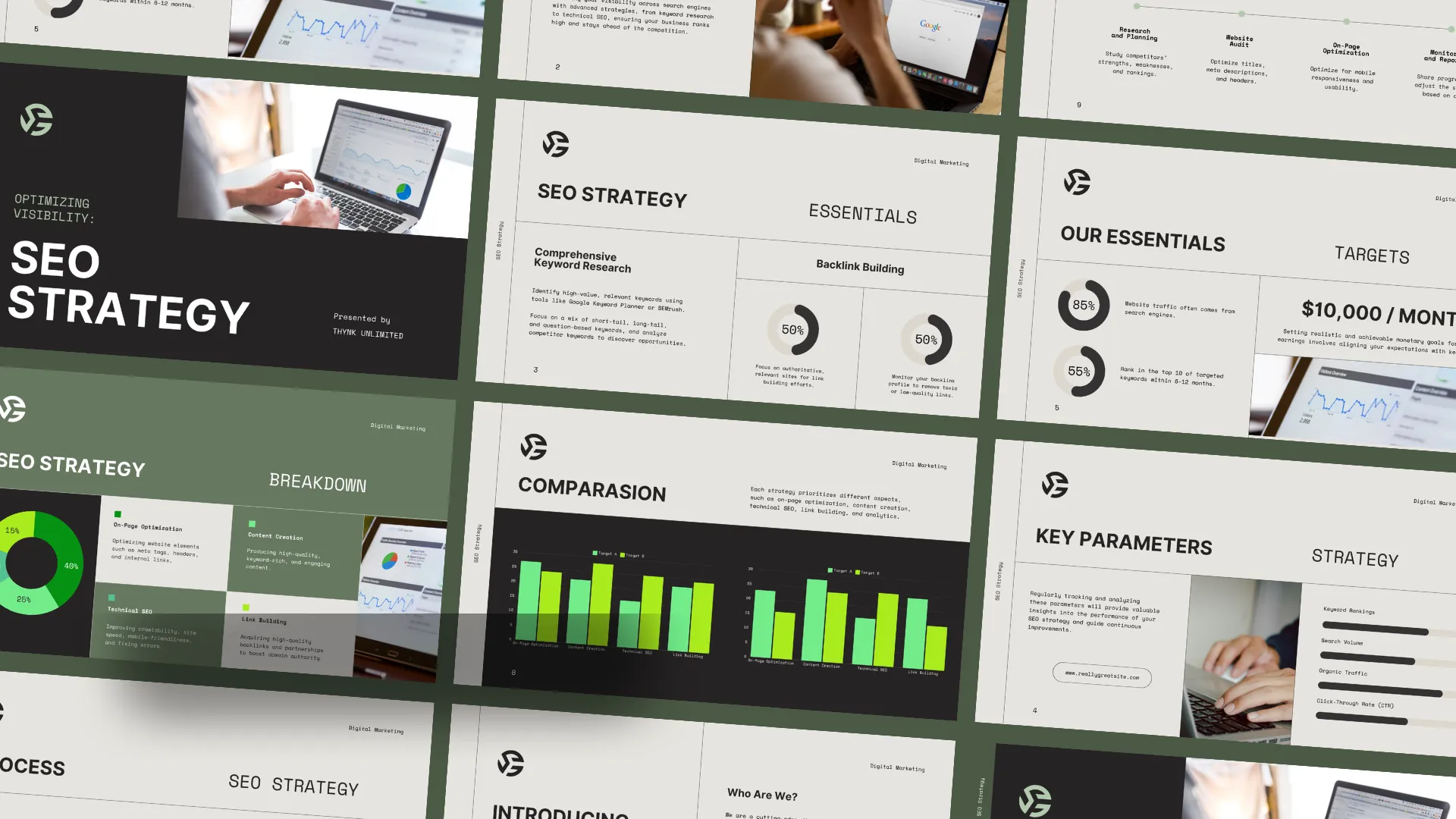
Website UI/UX
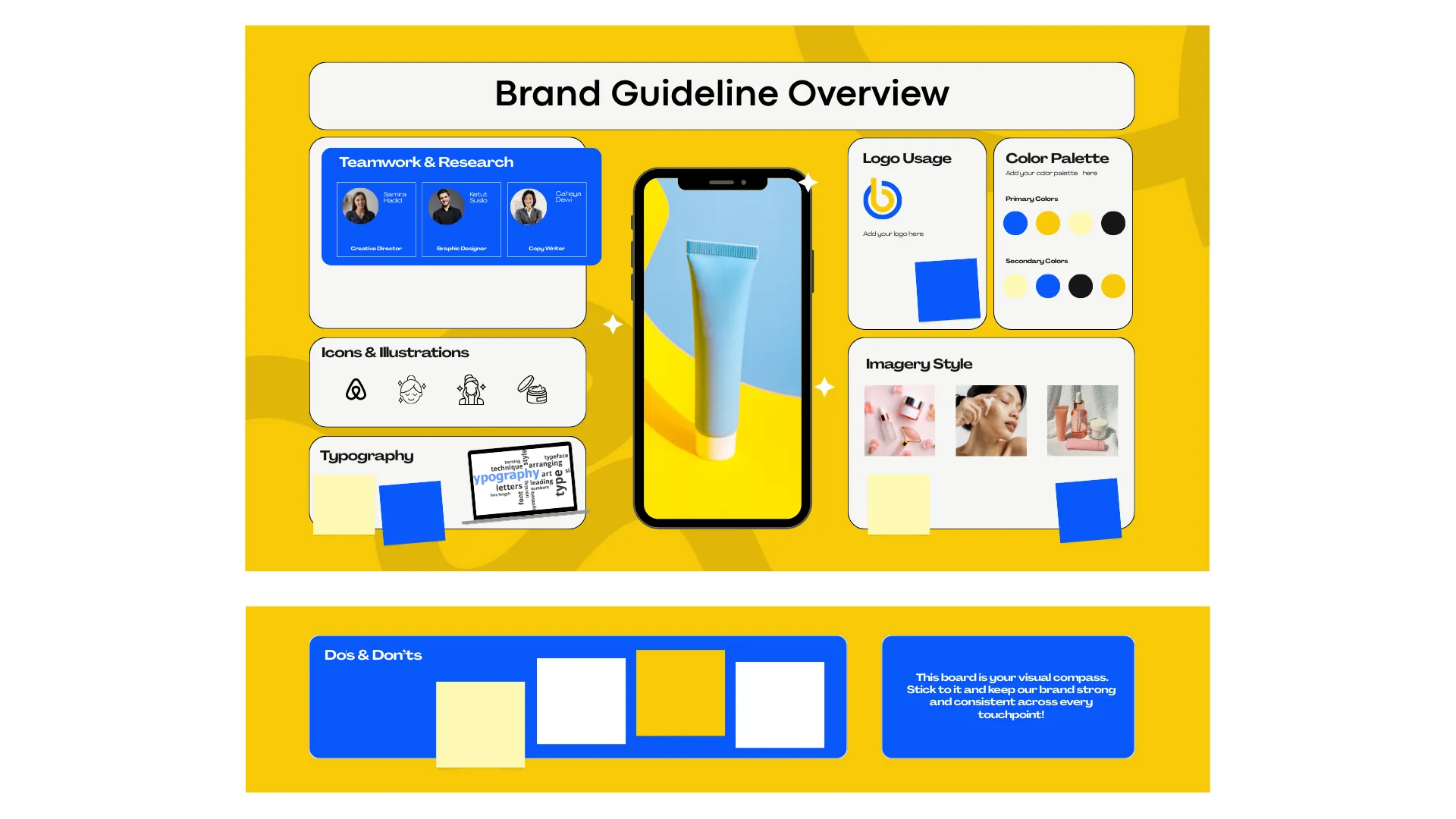
Mobile app flow
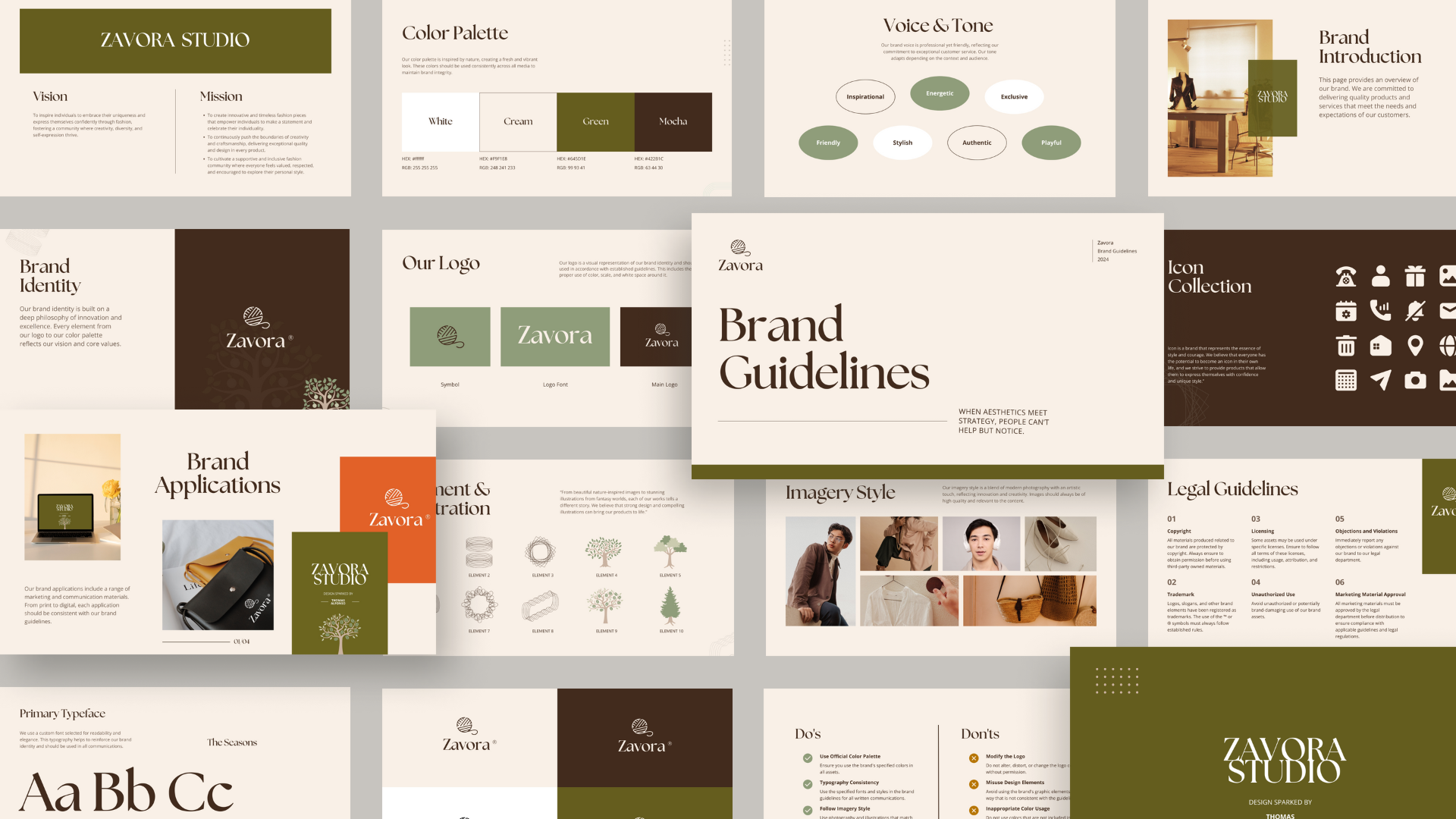
SaaS dashboard
Design that considers how the
product will actually be built
Design connected to development
From research to handoff
Cross-service collaboration
Practical deliverables
UI/UX & product
design FAQs
What is the difference between UI and UX design?
UX focuses on the overall experience, user tasks, structure and flow. UI focuses on the interface people see and interact with, including layout, typography, color and controls. Projects often need both.
Can IQC design a website or app before development starts?
Yes. We can scope design as a separate phase before development. Depending on the project, deliverables may include wireframes, high-fidelity screens, prototypes, design systems and developer handoff; the agreed scope will list what is included.
What will I receive at the end of a design project?
Deliverables depend on the agreed scope and may include user flows, wireframes, interface screens, prototypes, component libraries, assets and implementation notes. We identify the specific outputs in the project proposal.
Do you design for mobile and desktop?
Yes. We can plan responsive website layouts or platform-specific mobile screens according to the project. We agree the supported devices, screens and breakpoints during planning.
Can you redesign an existing website or application?
Yes. We begin by understanding what is working, what needs to improve and which functionality must remain. The redesign can then focus on selected journeys, interface consistency, navigation or the wider experience.
Do you conduct user research and usability testing?
Research and testing can be included when they fit the project and the required user access or data is available. We outline the proposed methods and deliverables before work begins.
How much does UI/UX or product design cost?
Cost depends on the product, number and complexity of screens, research needs, prototype depth, design-system scope and review requirements. Tell us about your project and we can prepare an estimate based on the agreed scope.
Can your designs be handed to our developers?
Yes. We can prepare organized design files, assets and handoff notes for your internal or external developers when included in the agreed deliverables. File formats and handoff depth are confirmed during scoping.
How long does a design project take?
Timing depends on scope, complexity, feedback turnaround and the number of review rounds. Once we understand your requirements, we can propose a realistic project timeline.